
Customers and sales
Every customer, deal and conversation on one timeline.
Wiggle keeps the whole relationship in one place, built for teams without a sales operations department, and nudges you before anything goes quiet.
The Preview opens soon. Get an email when it does.
Everything in one record
New inquiries become a company, a contact and a deal in one click. Each company and deal carries a single timeline of calls, meetings, notes, emails, proposals and signed documents. Projects track status, budget, due date and progress, so the work after the sale lives next to the sale itself.
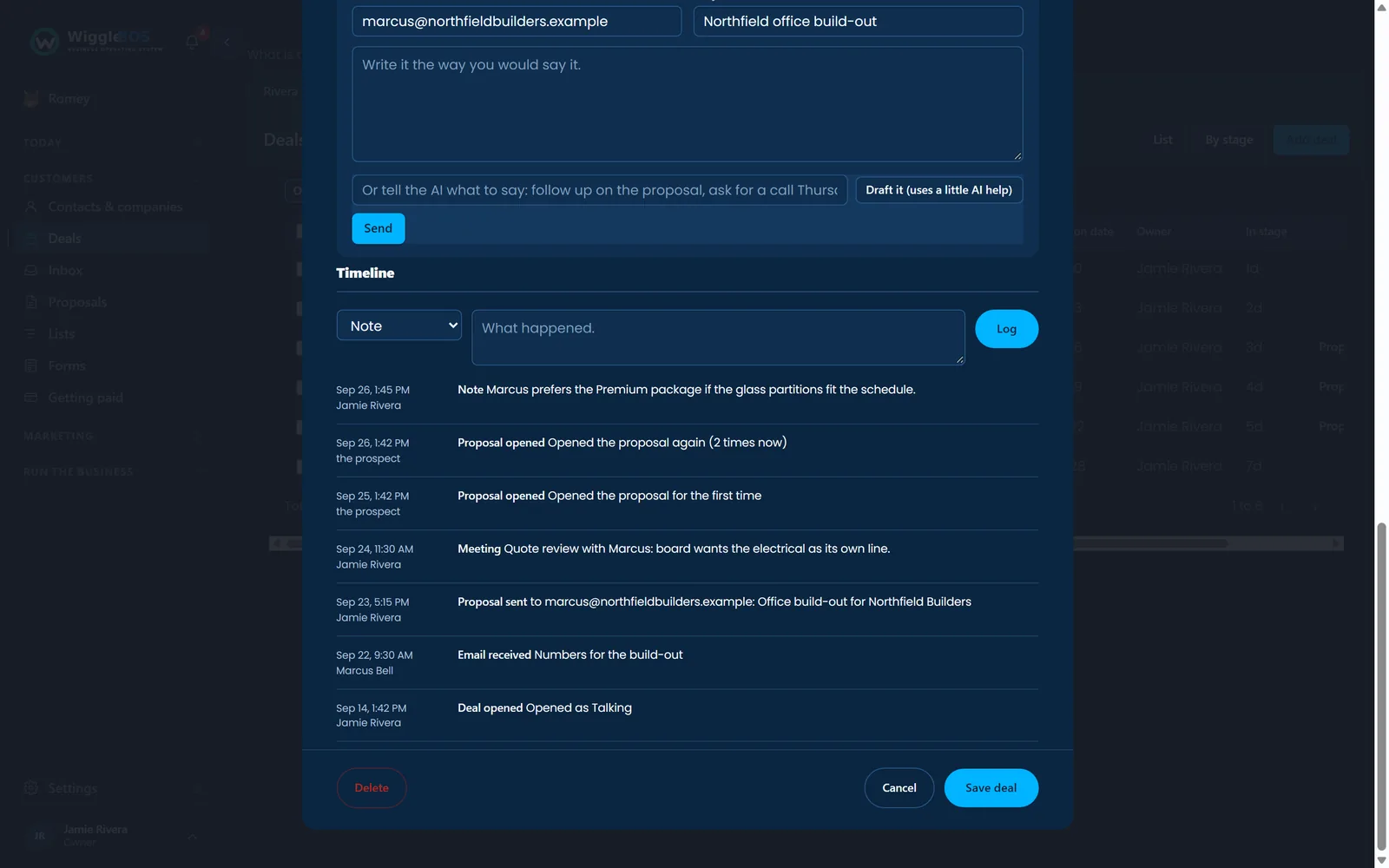
Deals you can read at a glance
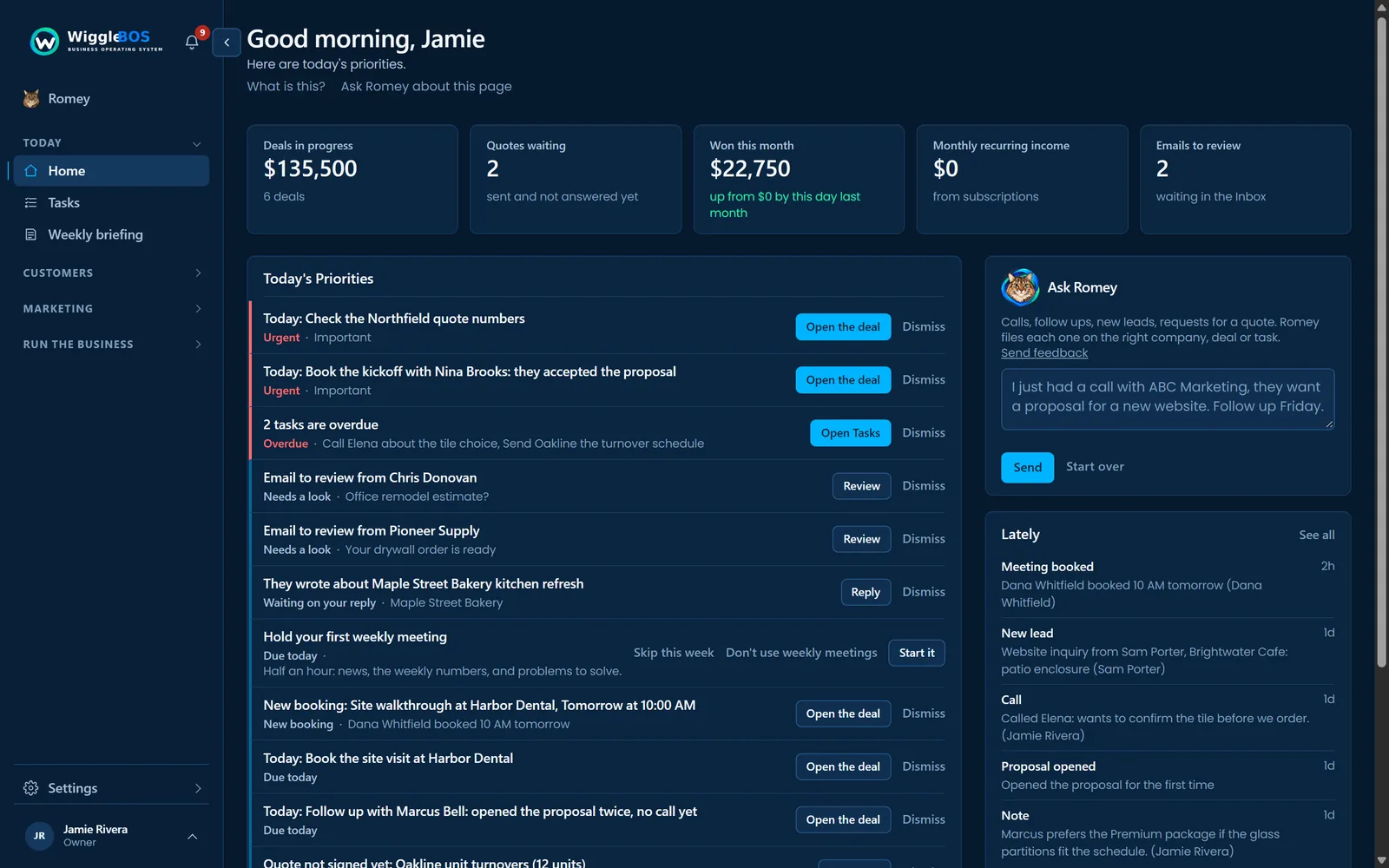
Deals move through plain stages: New inquiry, Talking, Quote sent, Agreeing terms, Won or Lost. See them as a list or grouped by stage, filter and sort any view, and act on several at once. Home shows the deals in progress, quotes waiting, what you won this month and your monthly recurring income.
One list of everything to do
Tasks gathers every to-do from every part of Wiggle in one list: follow-ups you set, tasks Romey created, to-dos from the weekly meeting, steps from a checklist and fixes from a website check. Each shows where it came from and links to the record it belongs to. Assign any task to a teammate, or filter the list to one person. Connect Asana and the tasks from the projects you pick stay in step.
Follow-up that does not depend on memory
Wiggle checks every hour and tells you when a proposal has sat unsigned for three days, and again at seven, when a proposal link is about to expire, and when a prospect has not replied three days after your last email. A daily digest lists quiet deals, tasks due and messages waiting, and Today's Priorities on Home puts the most urgent first. Switch on text alerts and the urgent ones reach your phone too, never between 8pm and 8am unless you say so.
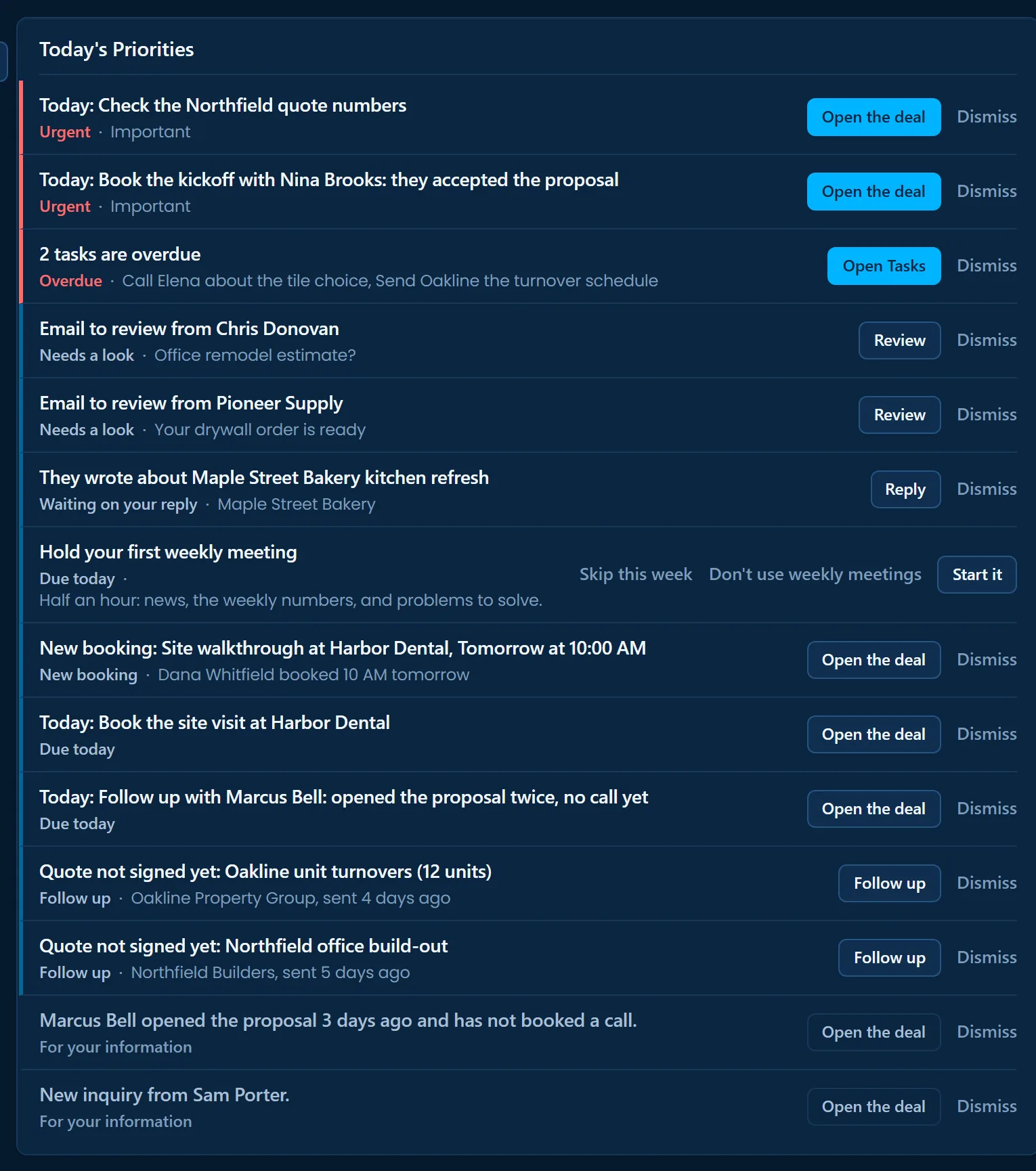
- Quote not signed yet: Oakline unit turnovers (12 units)Follow up · Oakline Property Group, sent 4 days agoFollow upDismiss
- Quote not signed yet: Northfield office build-outFollow up · Northfield Builders, sent 5 days agoFollow upDismiss
- Marcus Bell opened the proposal 3 days ago and has not booked a call.For your informationOpen the dealDismiss
- New inquiry from Sam Porter.For your informationOpen the dealDismiss
Reminders land in Today's Priorities on Home, each with its next step.
Leads that arrive on their own
Build forms for your website with the form builder, or share a hosted form link, and every answer lands in Wiggle as a lead. A public booking page shows your open times for the next two weeks; a booking creates the lead, the meeting and the deal and sends calendar invites to both sides. Connect a Microsoft 365 or Google calendar and busy times are skipped automatically.
Reports that answer real questions
Won and lost this month, win rate, recurring income, deals by stage, open deals by owner and deals by source. Bring your records in from 16 sources, from a spreadsheet or Google Sheet to HubSpot, Salesforce, Pipedrive, Asana or Monday.com, and take them out again as a file any time. Delete a deal, person or company by mistake and Recently deleted keeps it for 30 days, ready to restore.